To create schedule fcm follow these steps
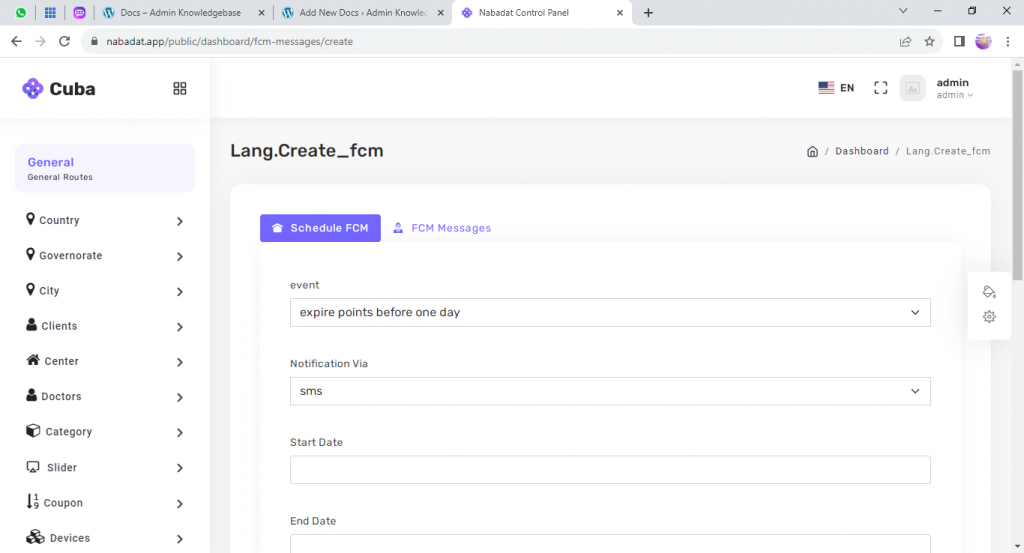
- User this path to create FCM https://nabadat.app/public/dashboard/fcm-messages/create
- There are to types of FCM (Schedule fcm and fcm messages)
- Schedule fcm will be sent automatic to the users by the system
- fcm messages: the message will be sent manually
- Choose Schedule fcm from the top to create fcm message
- Choose the event
- Choose the notification via (sms or mail)
- Enter the start date
- Enter the end date
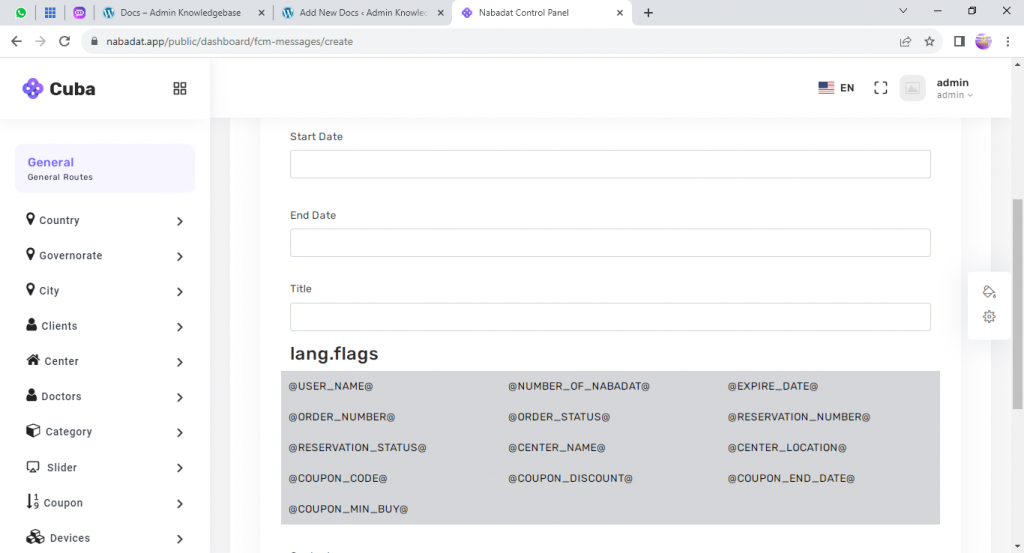
- Enter the message title
- Choose the flags (is a custom value come from the system)
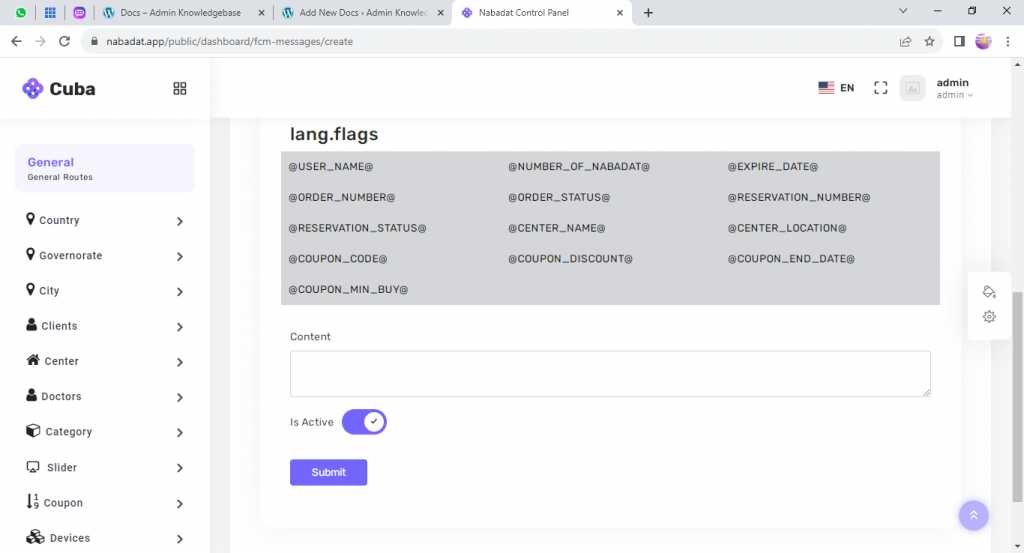
- Enter the message content (the message body)
- Determine if this message is active or not
- Press the submit button to save the data entered
Leave a Reply