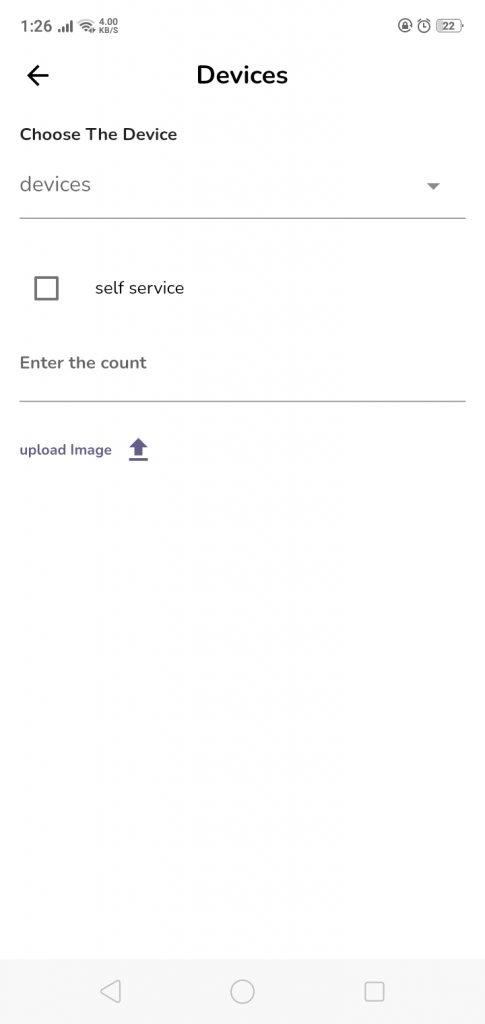
Here you can add adevice to the center
- Choose the device that you want to add to the center
- Determine if this device supports auto service or not (if yes please check the self service checkbox)
- Enter the count of this device you have
- Upload the device images
- Press “add device” button to save the data entered
Leave a Reply